🔧 Under Maintenance
We're making improvements to serve you better.
We'll be back shortly. Thank you for your patience!
 Scream4U.icu
Alert your contacts when YOU need help
or when you witness someone else in danger
Works without internet
Scream4U.icu was born from a simple but powerful belief: everyone deserves to feel safe, and help should never be more than a button press away.
In moments of crisis, seconds matter. Whether you're facing a medical emergency, feeling threatened, or need urgent assistance, Scream4U.icu ensures your voice is heard instantly—by the people who matter most to you. Our mission is to empower individuals and communities with a reliable, accessible emergency alert system that works when it matters most.
We built Scream4U.icu with a deep respect for your privacy and a commitment to reliability. Unlike other safety apps that require constant internet connectivity and track your location in the background, Scream4U.icu works without internet using SMS technology—the most reliable form of mobile communication. As long as you have cellular signal, your emergency alerts reach your trusted contacts even when data networks fail.
With just two taps, your chosen emergency contacts receive an SMS with your location, the nature of your emergency, and a plea for immediate help. No complicated setup. No monthly fees eating away at your budget. No invasive tracking. Just straightforward, dependable protection.
Not just for victims—for witnesses too. Scream4U.icu isn't only for when you're in danger. If you witness a crime, or emergency happening to someone else, you can instantly alert your contacts to get help for them. This makes every user a potential first responder, creating safer communities where people look out for each other.
Safety isn't just an individual concern—it's a community responsibility. Scream4U.icu strengthens the bonds between family members, friends, neighbors, and colleagues by creating instant communication channels when emergencies strike. When you activate an alert, you're not just calling for help—you're activating your personal safety network, empowering those who care about you to respond quickly and effectively.
We believe that by giving individuals the tools to protect themselves and others, we build stronger, more resilient communities where people look out for one another. From parents ensuring their children's safety to elderly individuals maintaining their independence, Scream4U.icu serves as a quiet guardian—always ready, never intrusive.
Your location is only accessed when you press an emergency button. We don't track you, sell your data, or run background processes.
For less than the cost of a monthly coffee, you get year-round peace of mind with our transparent annual subscription.
No complex features to learn. No dependencies on app servers or internet connection. Just straightforward emergency alerts that work with cellular signal.
We're rewarding our early supporters with lifetime founder pricing—because those who believe in us first deserve to be recognized.
Scream4U.icu is for anyone who values safety and independence:
Note: GPS location sharing is completely optional. If your home address in the app matches your current location, you're already protected—your emergency contacts will receive your address with every alert. GPS simply adds a map link when you're away from home.
We're just getting started. While Scream4U.icu currently serves Android users, we're committed to expanding our reach — adding multi-language support, and continuously improving based on feedback from our community.
Every subscription helps us grow and improve the service. Every user who activates Scream4U.icu becomes part of a community that believes safety should be simple, accessible, and reliable.
Join the Scream4U.icu community today. Because when it comes to emergencies, you shouldn't have to hope for connectivity—you should have certainty.
Scream4U.icu: Empowering you to protect yourself and those you love.
Get Started TodaySimple, fast, and designed for emergency alerts
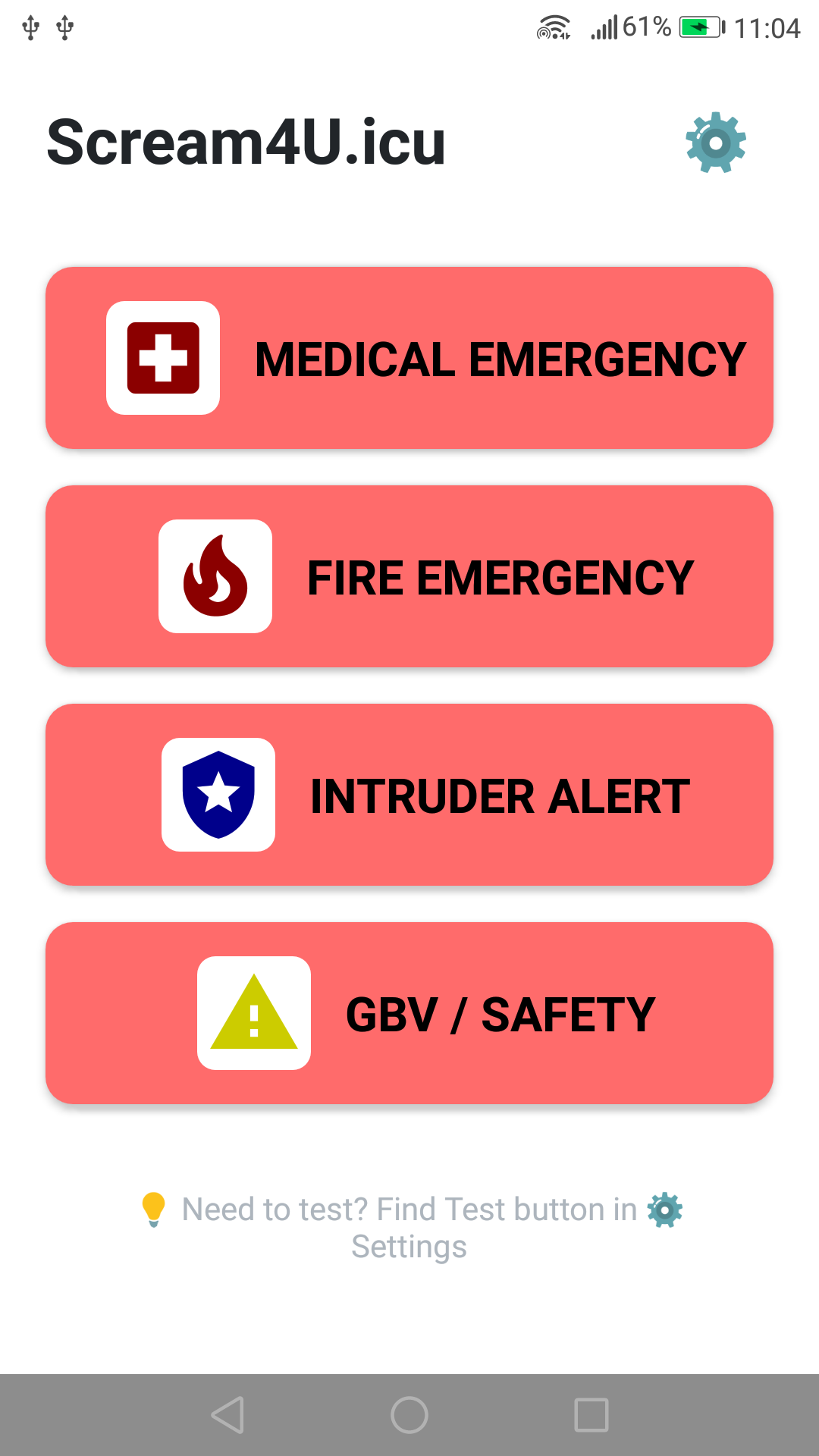
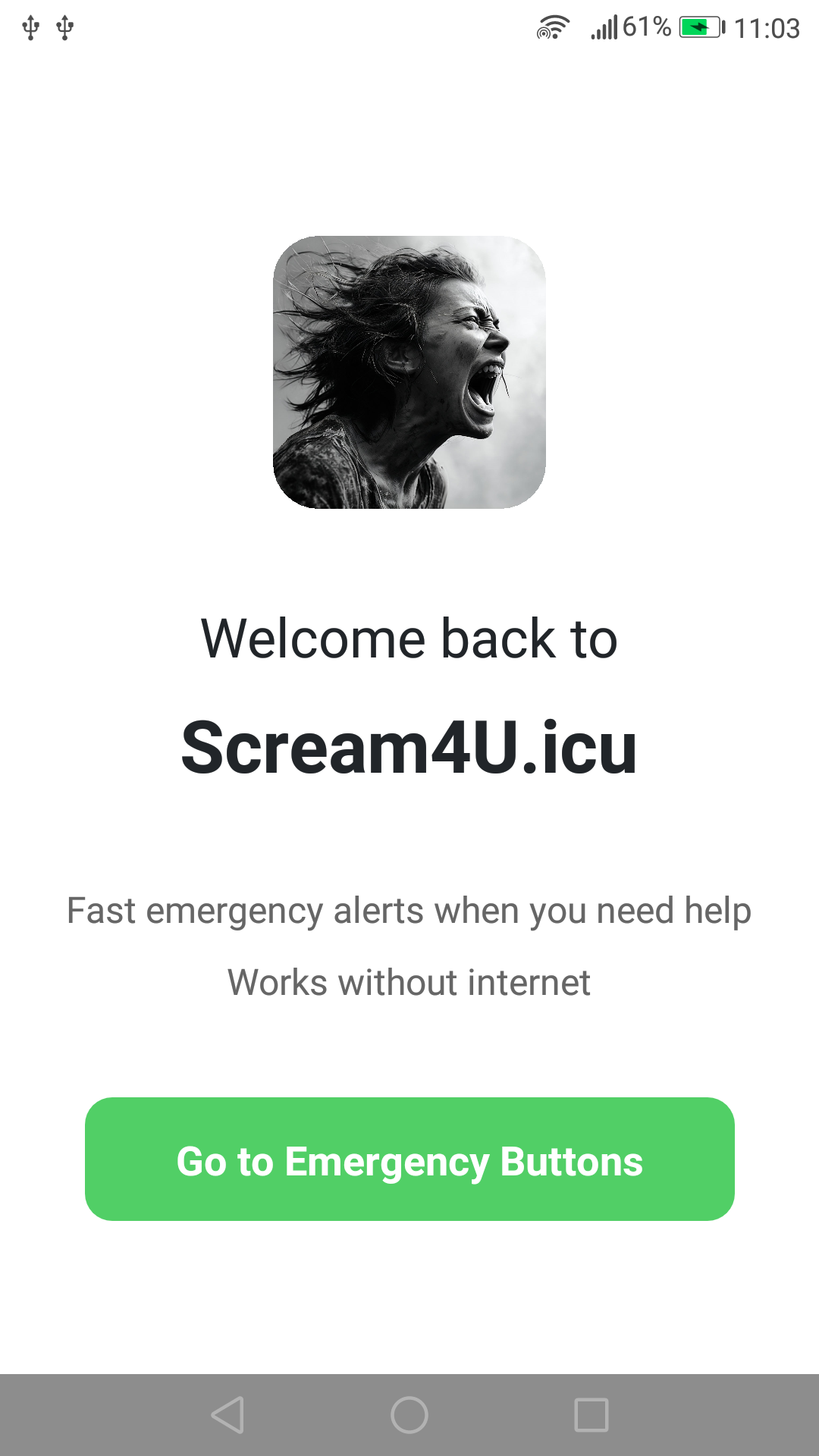
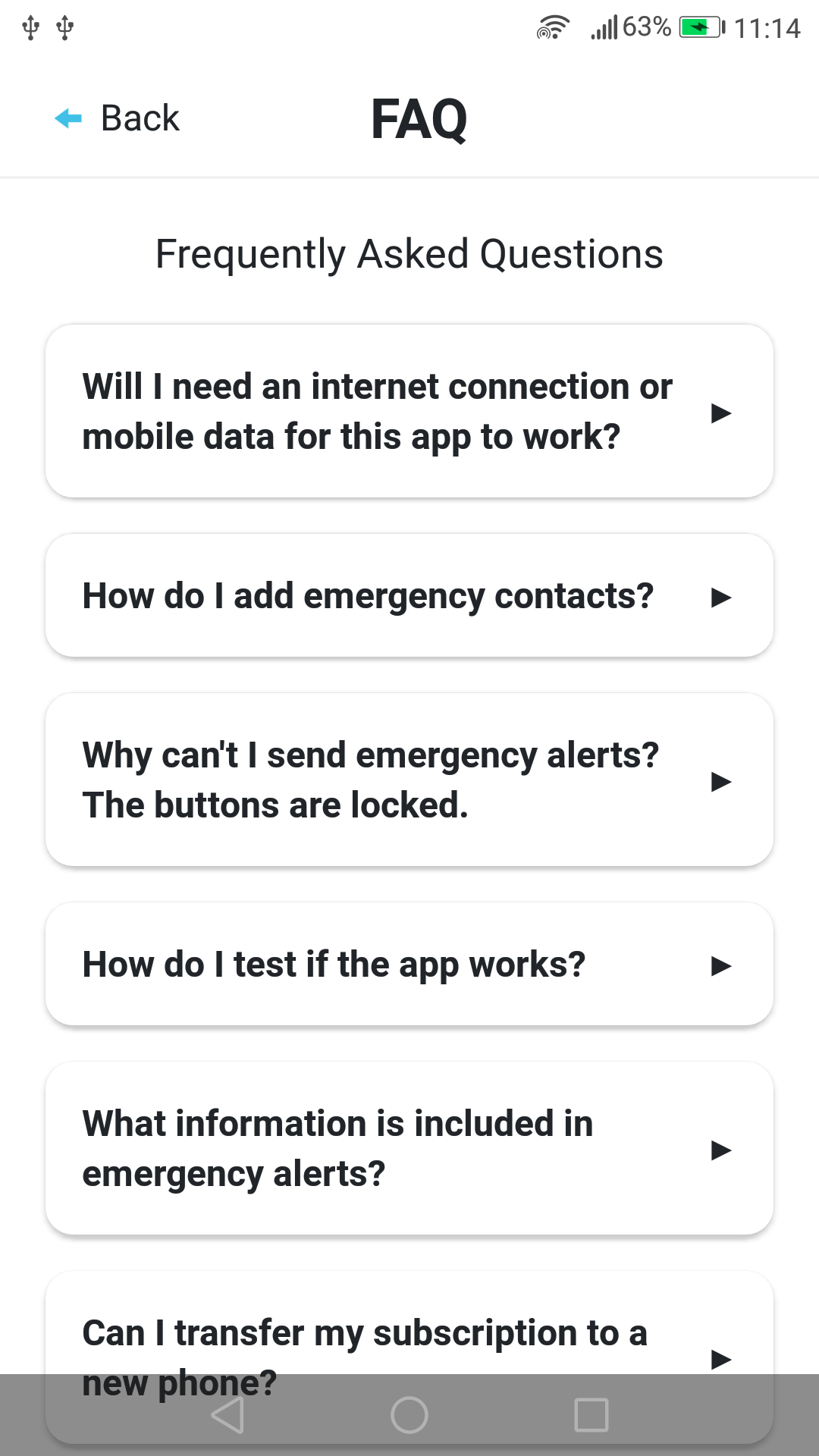
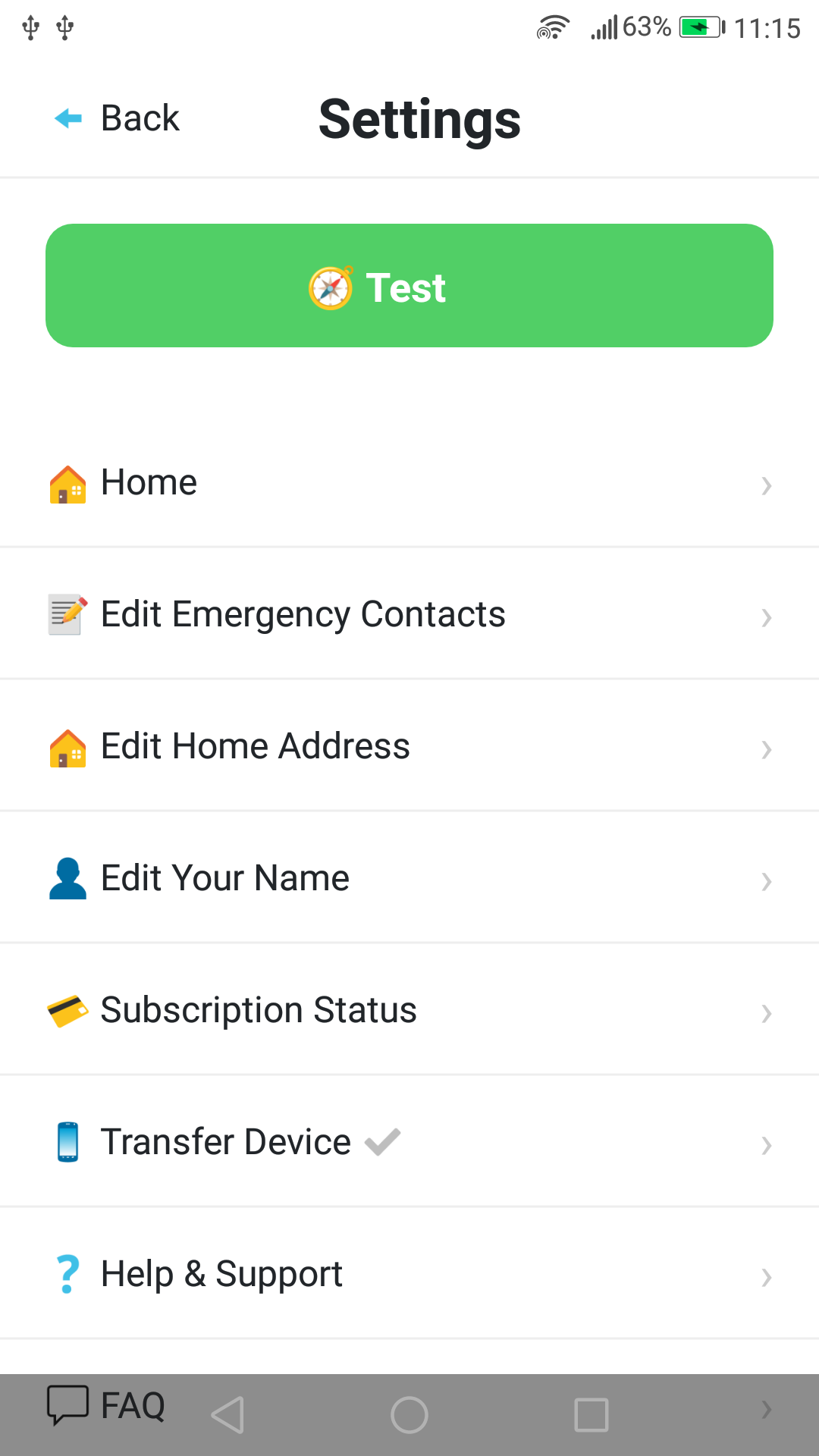
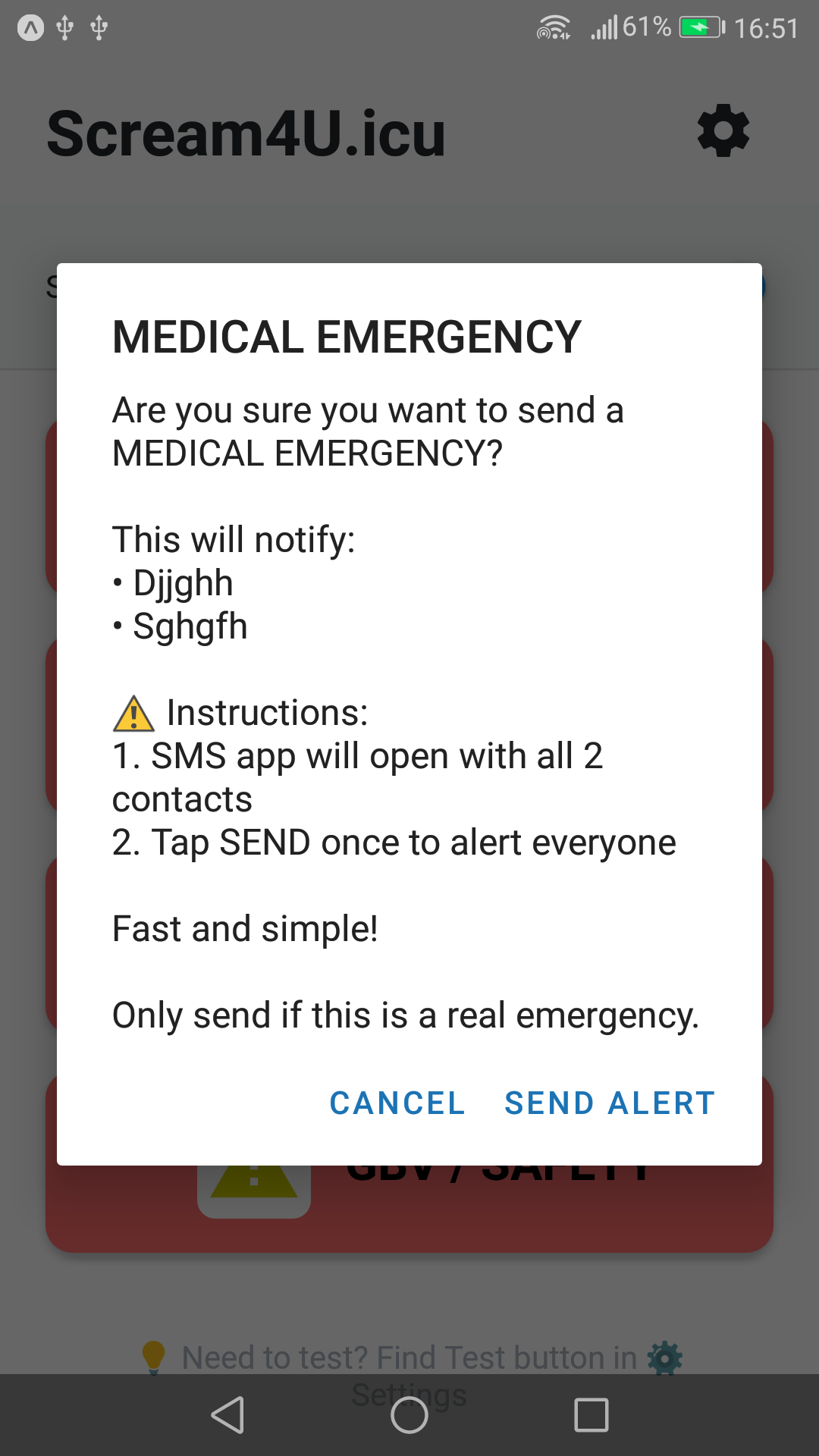
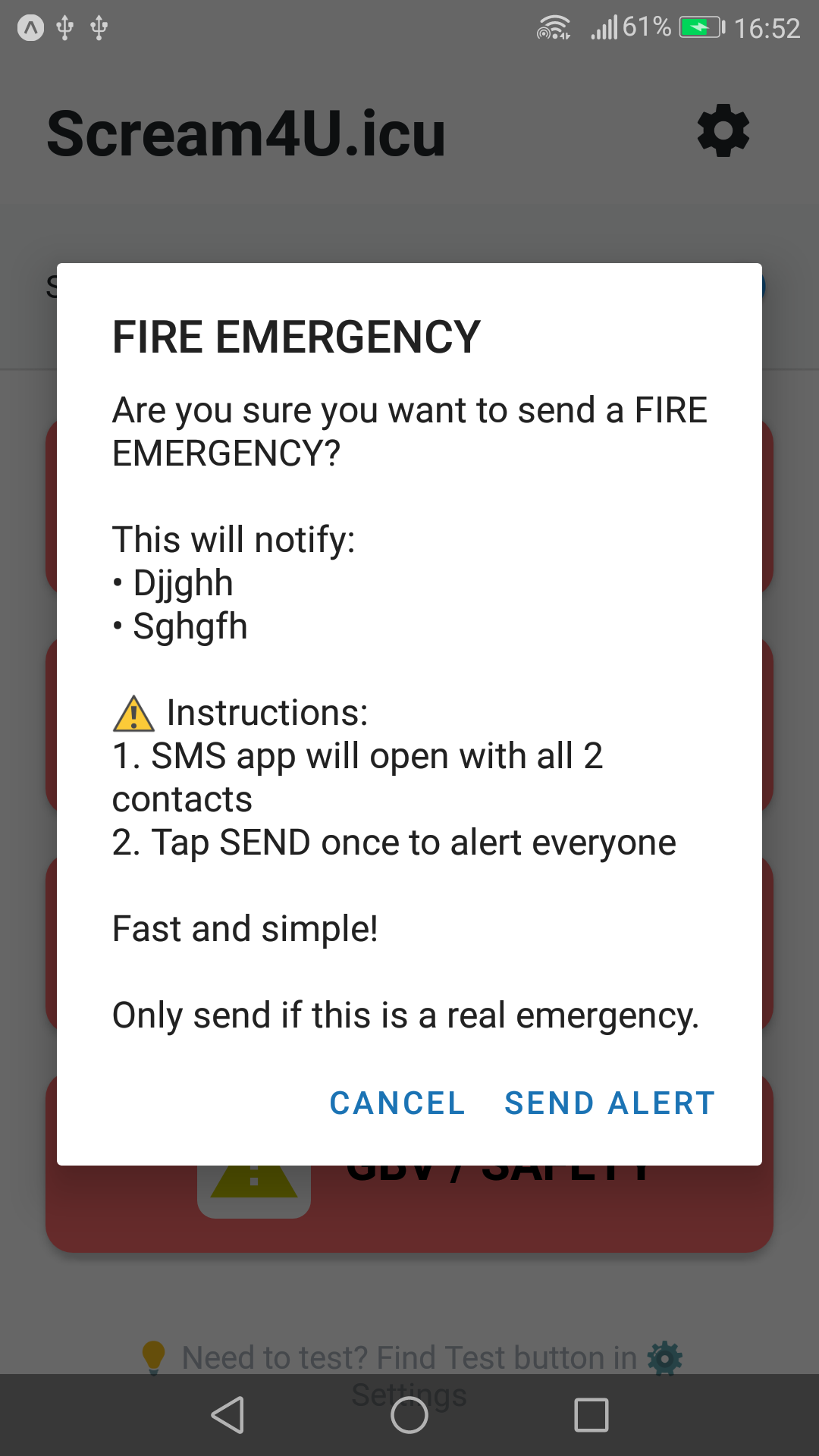
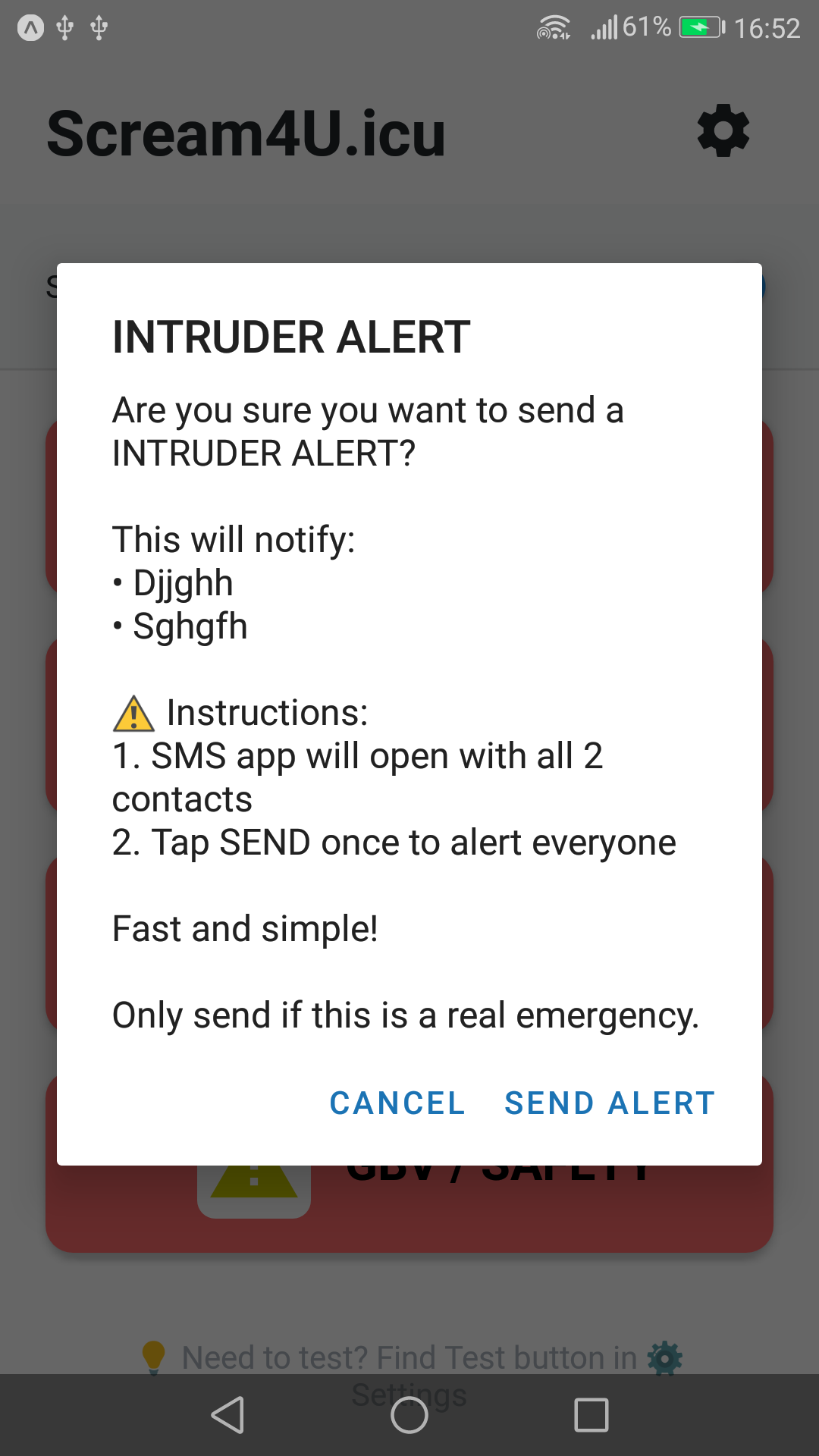
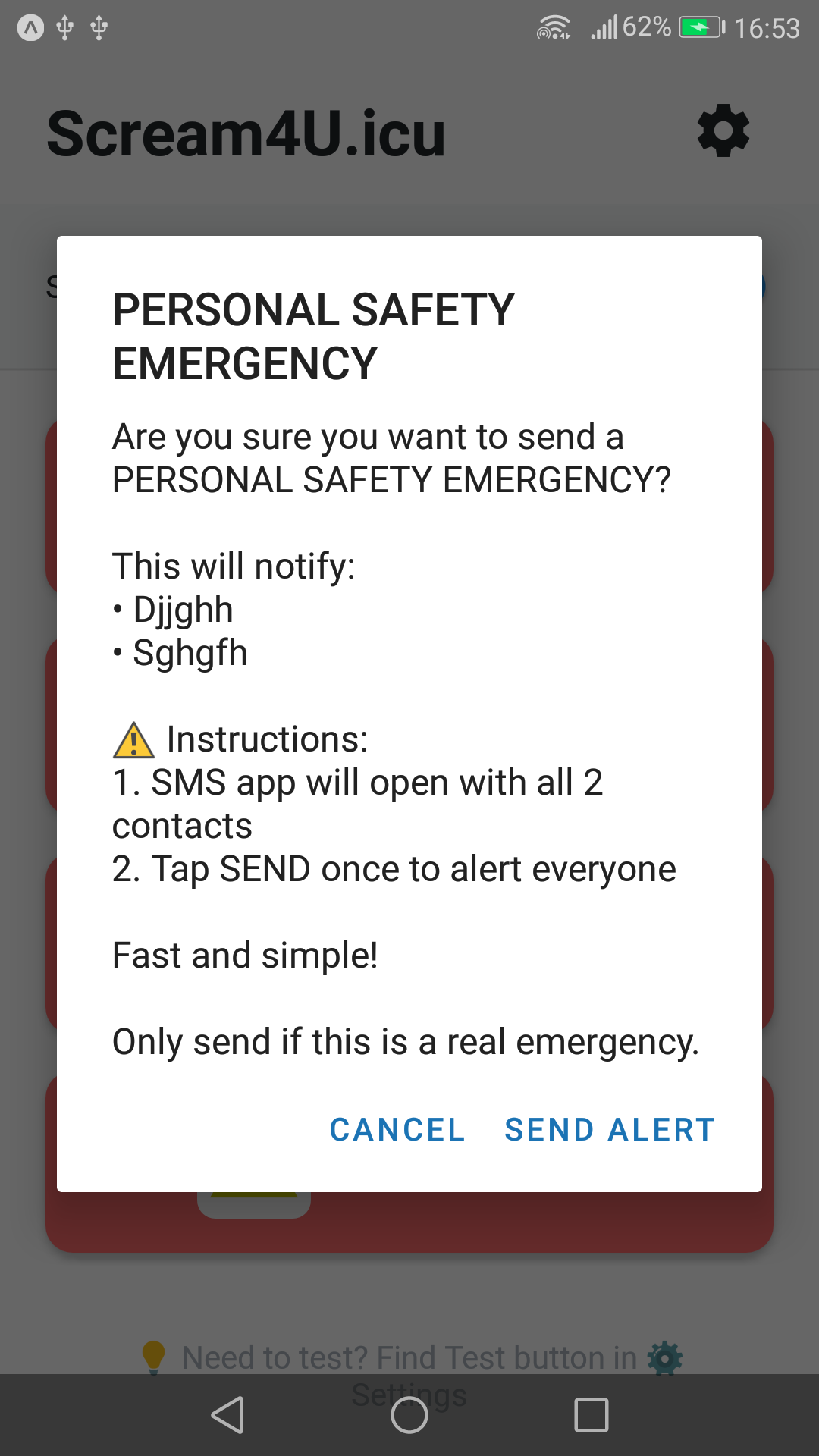
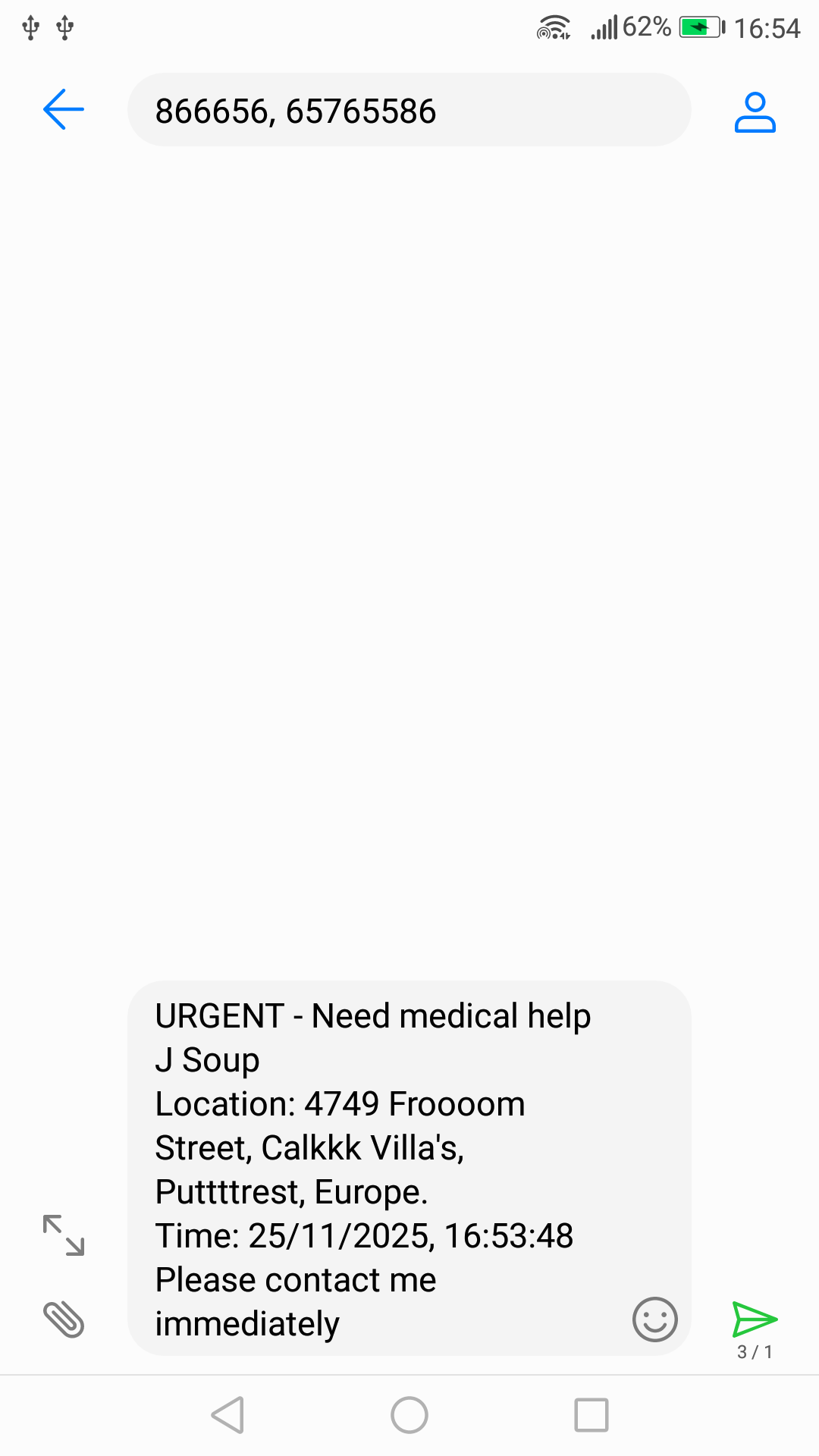
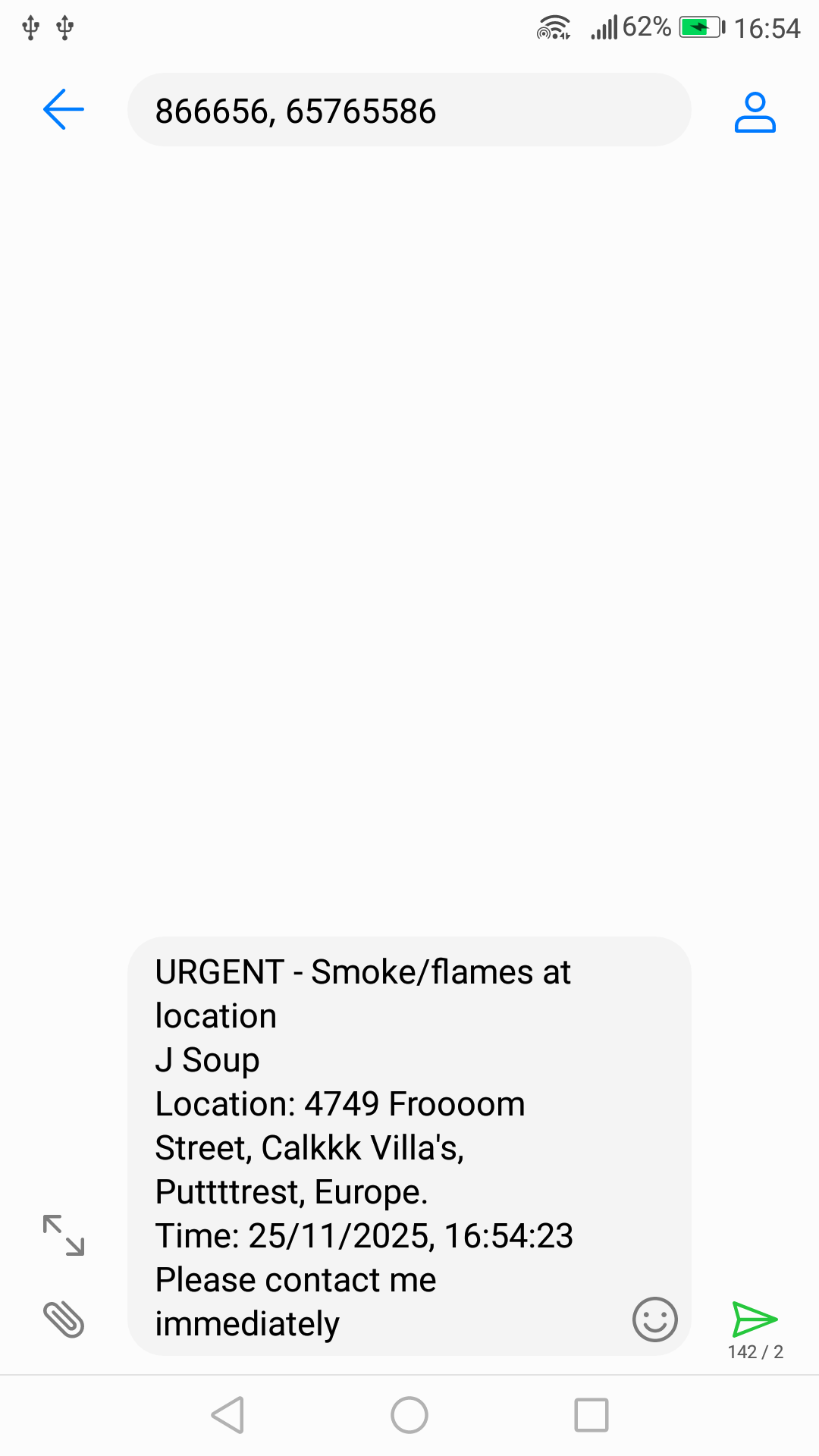
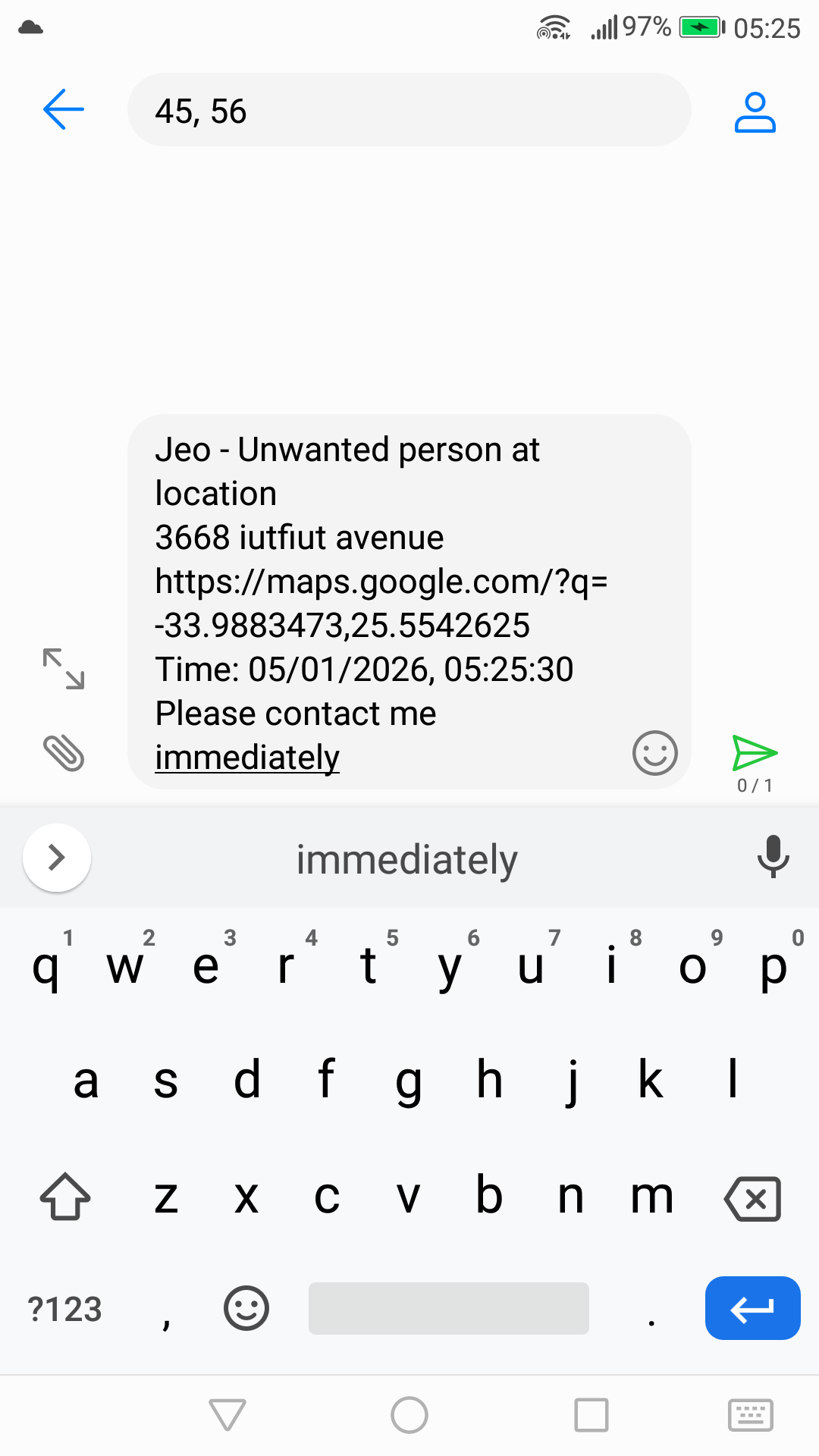
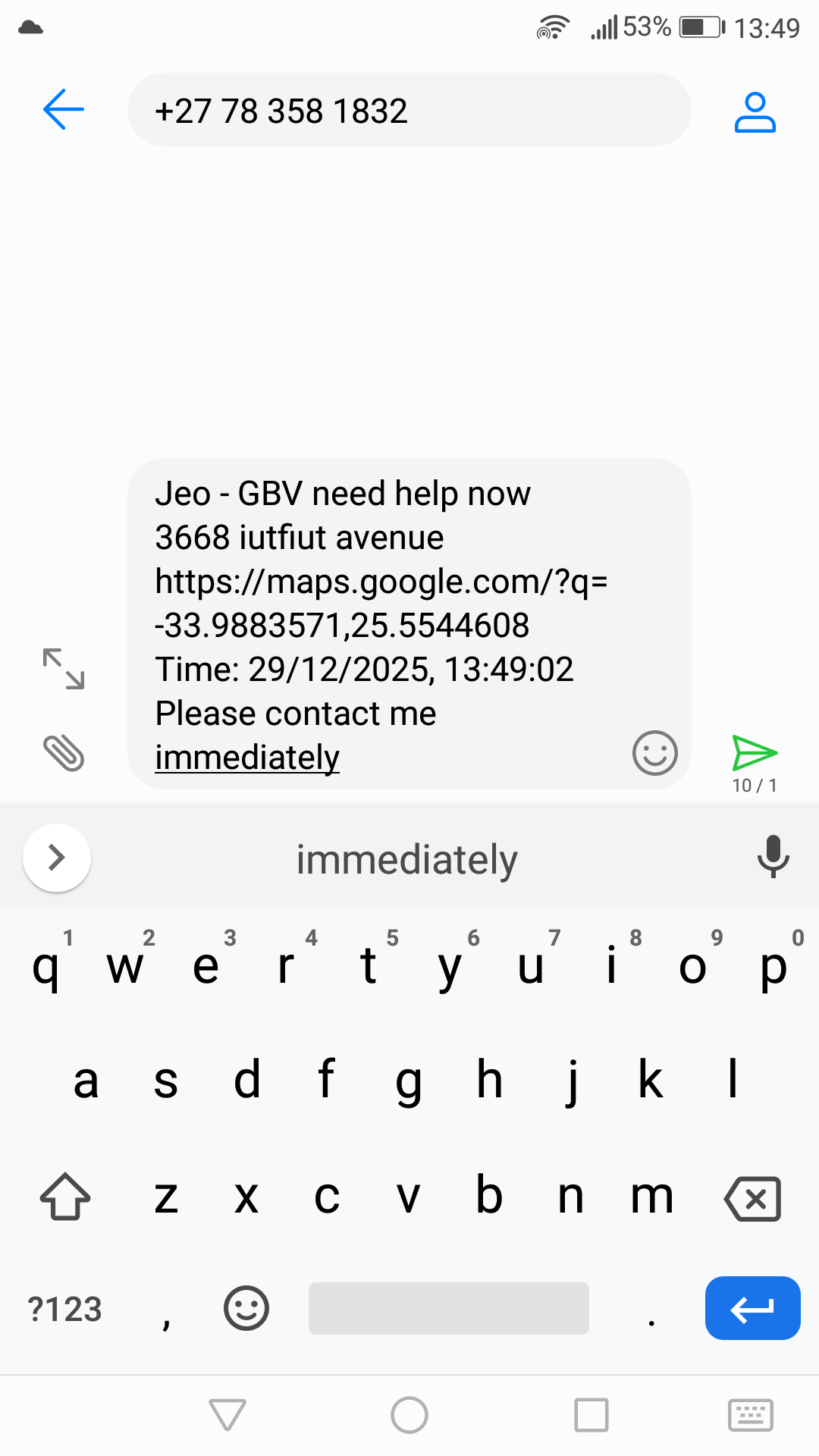
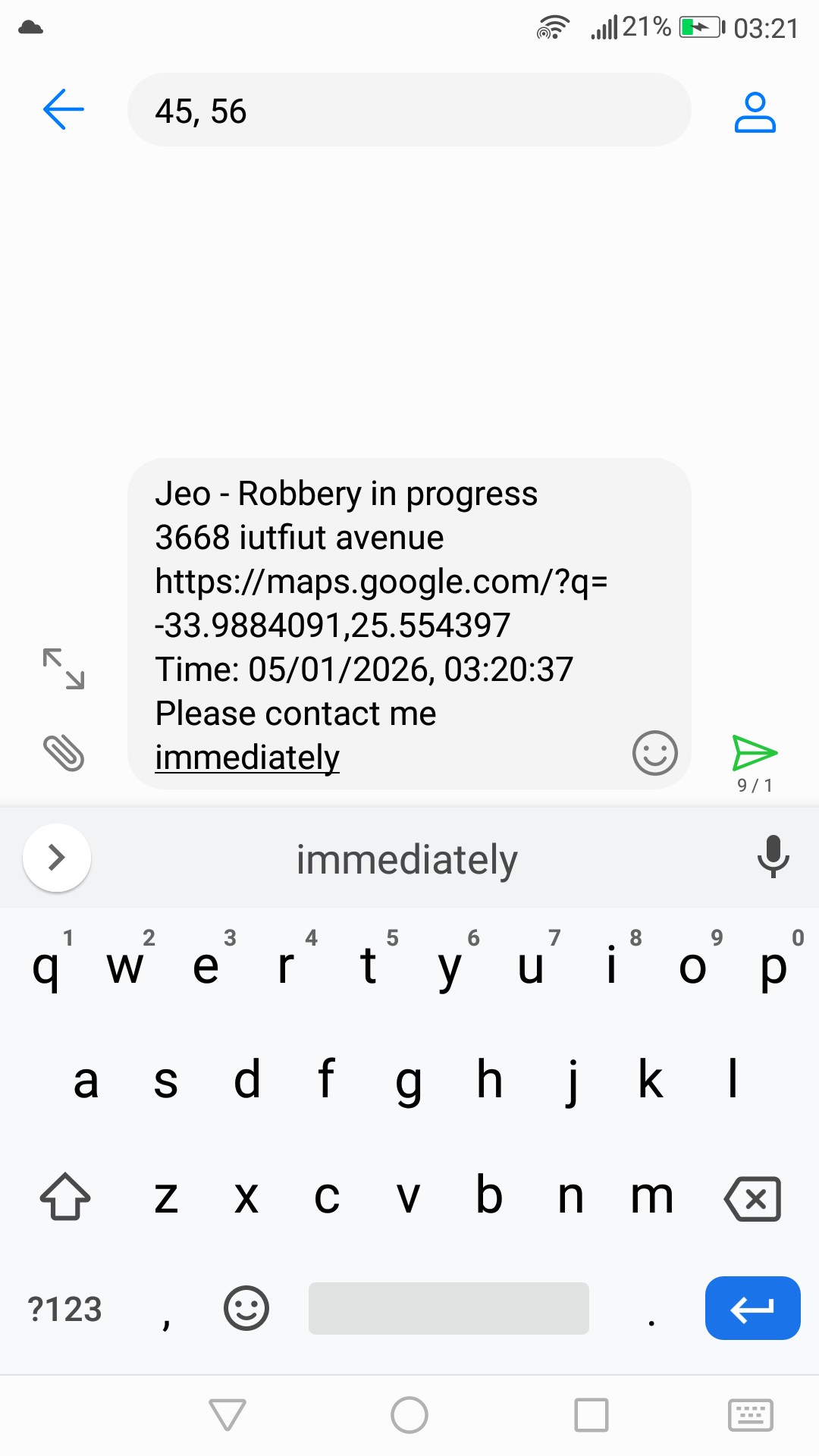
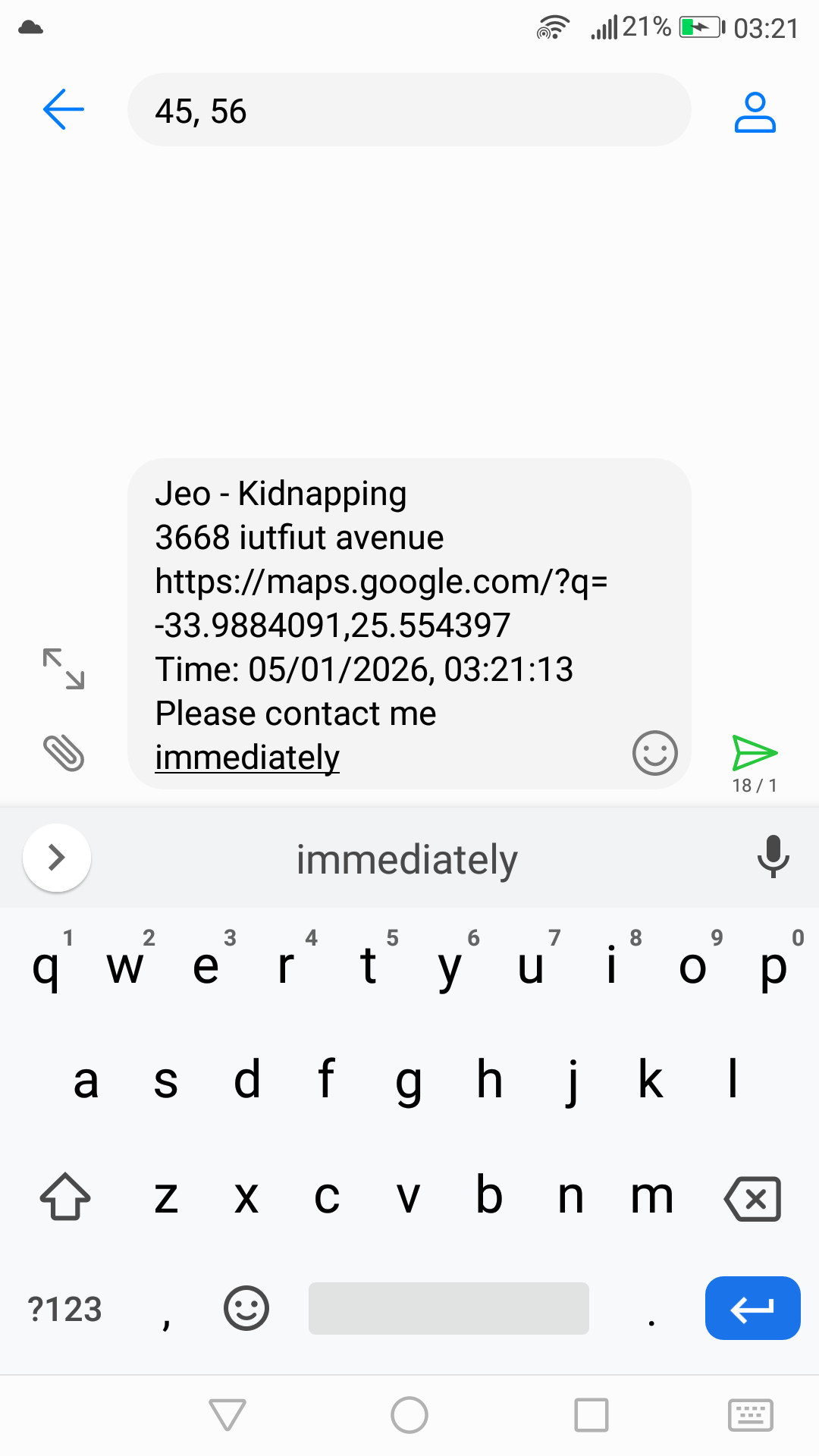
When location permission is enabled, GPS coordinates are automatically included as a Google Maps link for precise location sharing. 📡 Works completely offline - GPS uses satellites, no internet or WiFi required.
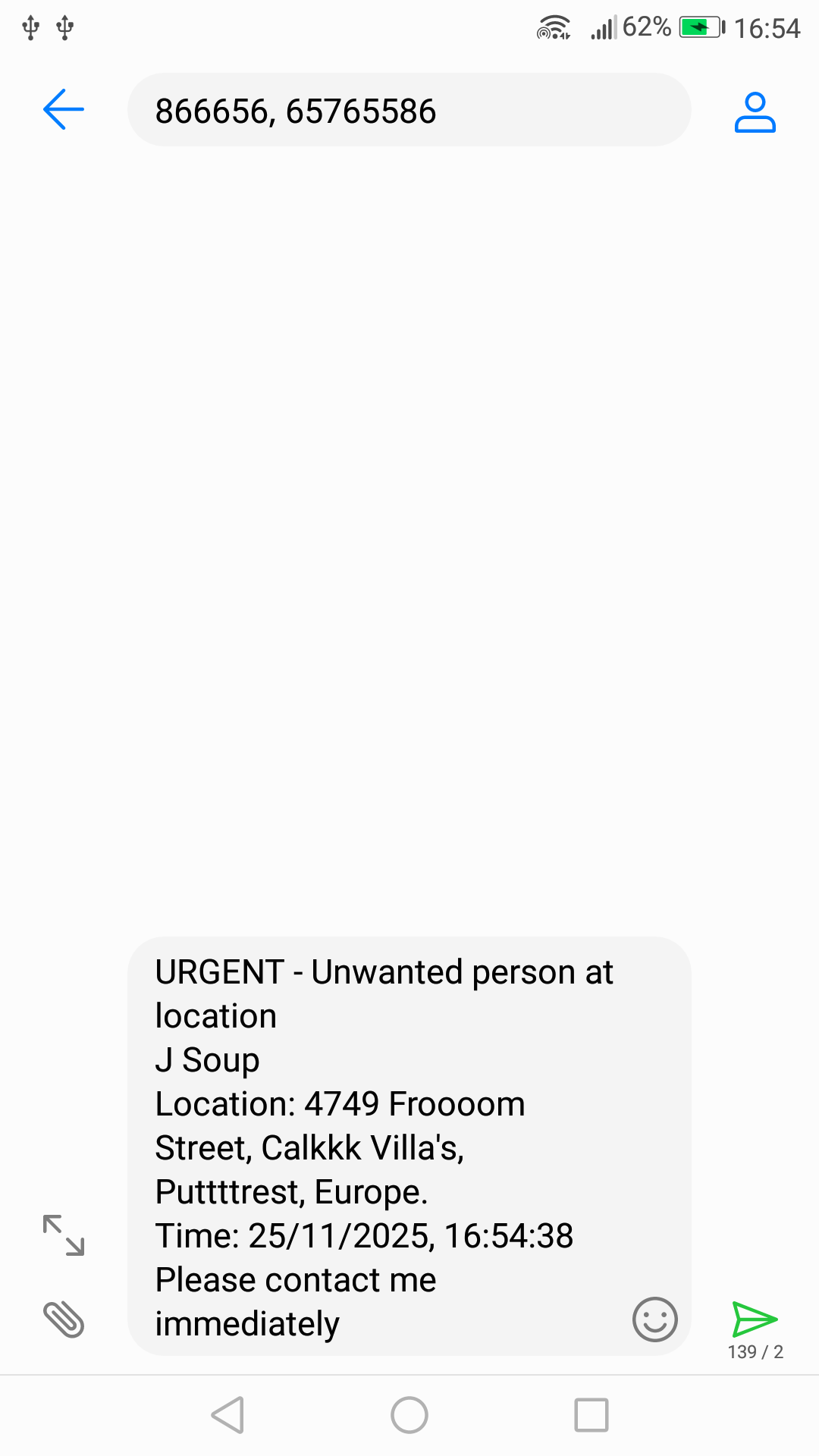
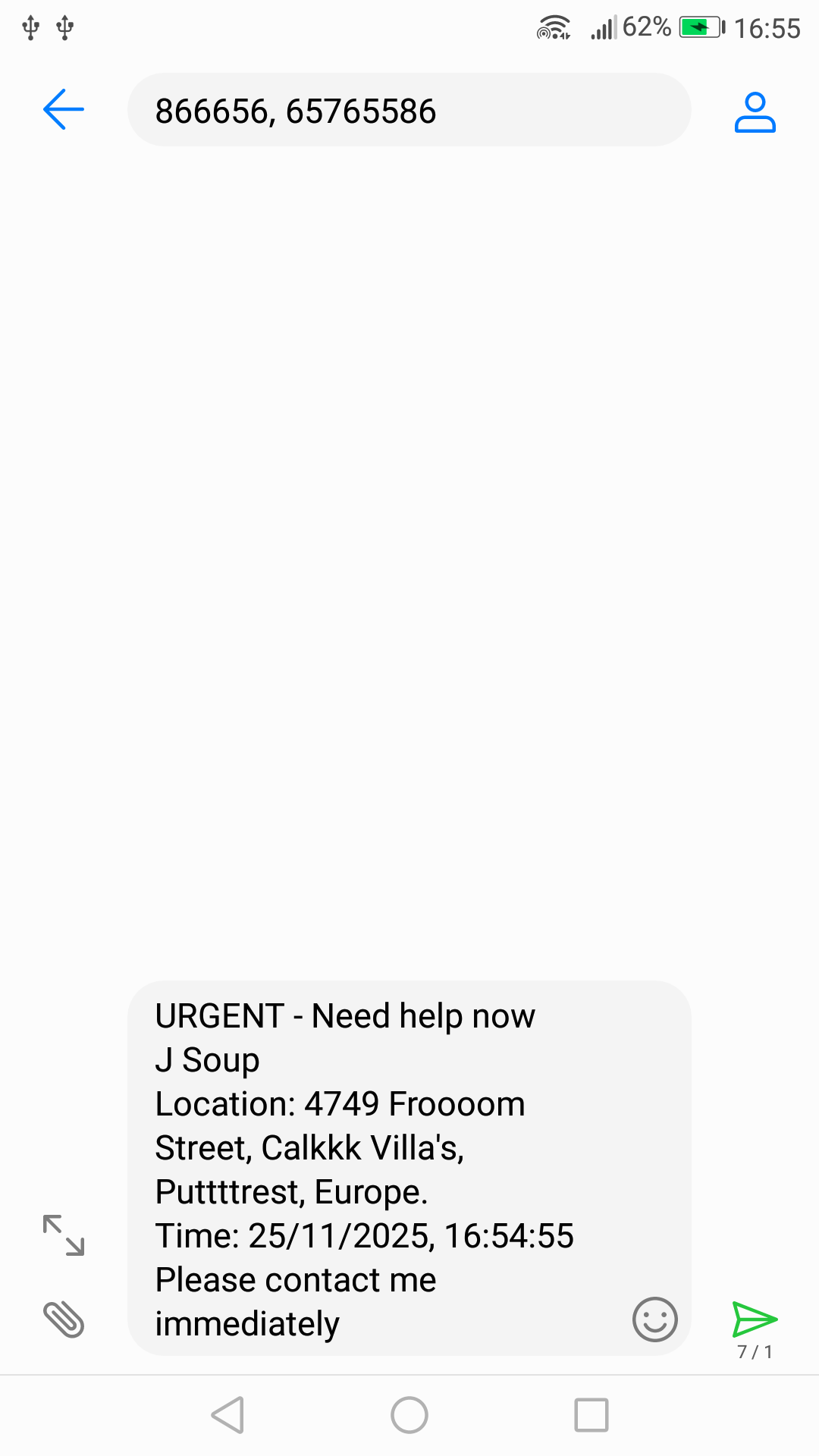
🎉 Launch Special: First 1000 subscribers get LIFETIME 50% OFF - just $9.99/year forever!
⚠️ Important: This discount applies for the life of the subscription, provided the subscription remains active and does not lapse.
*Price based on USD but shown in your local currency. Final amount may vary slightly due to exchange rate fluctuations.

Google Play — Coming Soon
Android only
Already have the app? Subscribe below to unlock all 6 emergency alert types.
After payment, your activation code arrives via email within 2–5 minutes.
Enter it in the app under Subscription → "Enter Emailed Code".
Stay informed about new features and updates.
No! Scream4U works completely offline. Emergency alerts are sent via SMS directly from your phone - no internet required. You only need internet for: initial app download and subscribing (to receive your activation code via email). Once set up, all emergency features work offline.
Go to Settings → Edit Emergency Contacts. You can add up to 5 contacts with their names and phone numbers. Make sure to include country codes for international numbers (e.g., +1 for US, +27 for South Africa).
Emergency alert buttons require an active subscription. Only the Test Alert is free. Subscribe at scream4u.icu to unlock all emergency features.
Use the "Test Alert" button (green button on main screen, or in Settings if subscribed). Free users can open 3 test alerts to verify the system works. Subscribers get unlimited testing. The test message clearly states it's not a real emergency.
Emergency alerts include: your name, your home address, GPS coordinates (if location permission enabled), the type of emergency, exact timestamp, and a message asking contacts to "Please assist immediately."
No! The app does NOT track your location. GPS is completely optional and only accessed when you press an emergency button - never in the background.
How it works:
• During setup, you can grant location permission (optional)
• If enabled, GPS coordinates are added to emergency SMS as a Google Maps link
• Works offline (GPS uses satellites, no internet needed)
• You can enable/disable anytime in Settings → Location Permission
• If GPS fails or is disabled, SMS still sends with your home address
Important Privacy Note:
GPS location is obtained directly on your phone at the moment you press an emergency button. The app retrieves your coordinates once, includes them in the SMS message, and then discards them immediately. Scream4U.icu never sees, tracks, or stores your GPS coordinates because we cannot access your phone's native SMS app. Everything happens locally on your device.
Yes! You'll need internet connection on your new device. Simply enter your activation code on your new device - the app will contact our server to transfer your subscription to the new device and deactivate the old one. Your activation code is valid for 365 days and works on one device at a time.
Transfer Limit: You can transfer your subscription up to 3 times per year. If you need additional transfers, contact support@scream4u.icu for assistance.
Go to Settings → Subscription Status → Manage Subscription. Contact our support team at support@scream4u.icu to cancel your subscription. We'll process your request promptly and confirm the cancellation.
You have one chance to cancel: The SMS app will open with pre-filled messages. This is your one chance - simply close the SMS app or don't tap 'Send', and no messages will be sent.
When you press an emergency button, the app opens your phone's SMS app with pre-filled messages for all your emergency contacts. You'll see the messages ready to send - just tap the Send button. This works completely offline, requiring only cellular signal for SMS delivery.
Your phone needs a default SMS app configured. Go to Settings → Apps → Default apps → SMS app and select your SMS app (like Messages). This ensures alerts send immediately without asking.
Note: WhatsApp cannot send to multiple contacts at once and requires internet connection. Scream4U uses SMS for reliability and works offline, which is critical during emergencies when internet may be unavailable.
Subscribe at scream4u.icu via PayPal for 365 days (1 year) of access. Pricing: $9.99 for Founders (first 1,000 subscribers) or $19.99 for Regular subscribers. After payment, you'll receive an activation code via email within 2-5 minutes. Enter this code in the app's Subscription screen under "Enter Emailed Code" to unlock all emergency features.
Scream4U.icu is available for Android only. There are no plans for an iOS version.
Absolutely! Scream4U.icu is valuable for witnesses too. If you see a robbery, fire, assault, or any emergency happening to someone else, press the appropriate button to alert your contacts. This allows you to get help for others while staying at a safe distance. Your message will include your location and the emergency type, helping responders arrive quickly.
Collecting emails, building anticipation, showcasing features
Available on Google Play. Email notification to waitlist.
Official Play Store listing for easier discovery and updates
Feature updates and improvements based on user feedback.